
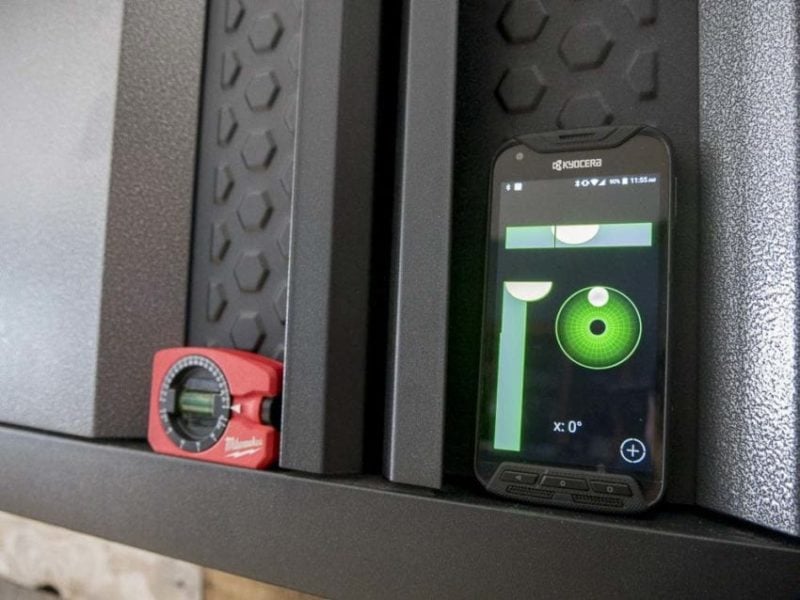
There are several “tools” running around via app that you can download – many for free – to replace some basic tools you might have. Some of them are pretty tempting. So I decided to give one of the popular level app tools a shot to see if it can replace the pocket level that stays close to me at all times.
Why a pocket level rather than a torpedo or box level?
Longer levels will give you a higher level of accuracy, but I wanted to keep it close to what I should expect from my phone. So the pocket level makes the most sense in this case.
Level App Vs Pocket Level
The level app I’m working with is Bubble Level Galaxy with more than 1 million downloads and a 4.9 star rating – highest among the freebies on Android. Up against it is the Milwaukee Pocket Level with a rotating vial to dial in the specific angle you’re looking for.
And We’re Off…
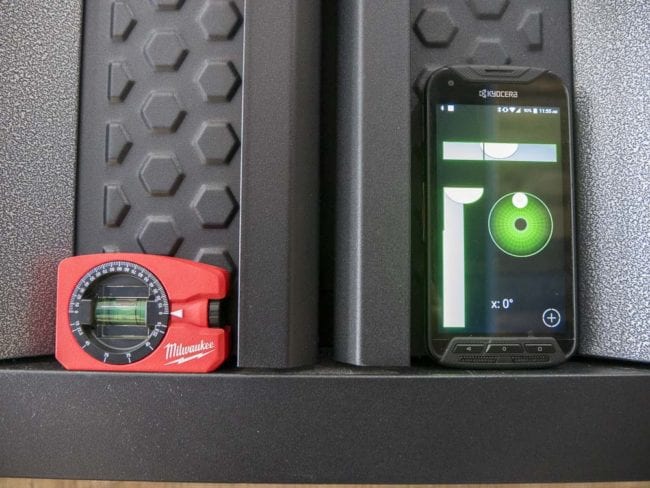
I checked a cabinet that I know we installed perfectly last week. Setting the Milwaukee Pocket Level to 0°, it verifies that the cabinet is still hanging perfectly horizontal.
… But Someone’s Stuck in the Gate
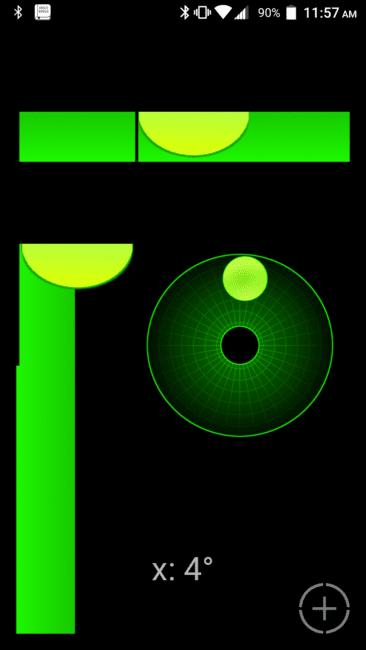
My level app reads 0° on the horizontal (X) axis, but the bubble indicator seems off. Right, I didn’t calibrate it. To calibrate this level app, I need a perfectly horizontal surface to set it on. It’s actually easier than doing the figure 8 motion that many of the apps require.
Of course, that means you’re at the mercy of the perfection of the floor or whatever “horizontal” surface you’re using. The only way to know for sure that the table I want to use fits the bill is to grab one of our levels and check it. Kinda defeats the purpose of the level app, don’t you think?
Anyway, all I have to do on Bubble Level Galaxy is press a button on the bottom right corner and hold it to reset the calibration. But that changes the way my phone is sitting on the table and now the calibration is off. So I start over and try to press more gently this time…
More Problems for the Level App
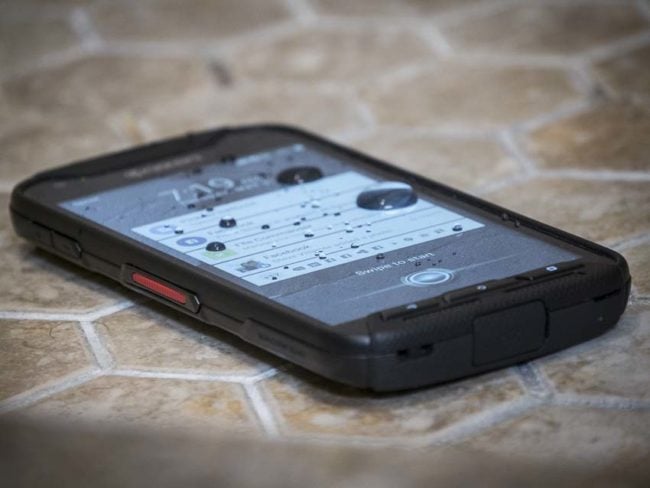
Once I’m satisfied with the calibration process, the next issue pops up. My phone doesn’t have a perfectly flat edge. I have buttons and ports that throw it off. I don’t need a case for my phone, but putting one on might even make it less flat. So even though I did get what looks like a good bubble calibration, I can’t check with any certainty that the what my phone says is level actually is.
The Bottom Line
A level app like Bubble Level Galaxy is a fun way to mess around and can get you within eyeballing a level shelf or picture, but it’s no substitute for any Pro spirit level when the results matter. There are just too many issues from the calibration process to the phone’s shape to be able to use the app with any level of professional confidence.